Data XRay — AI Data Analyst
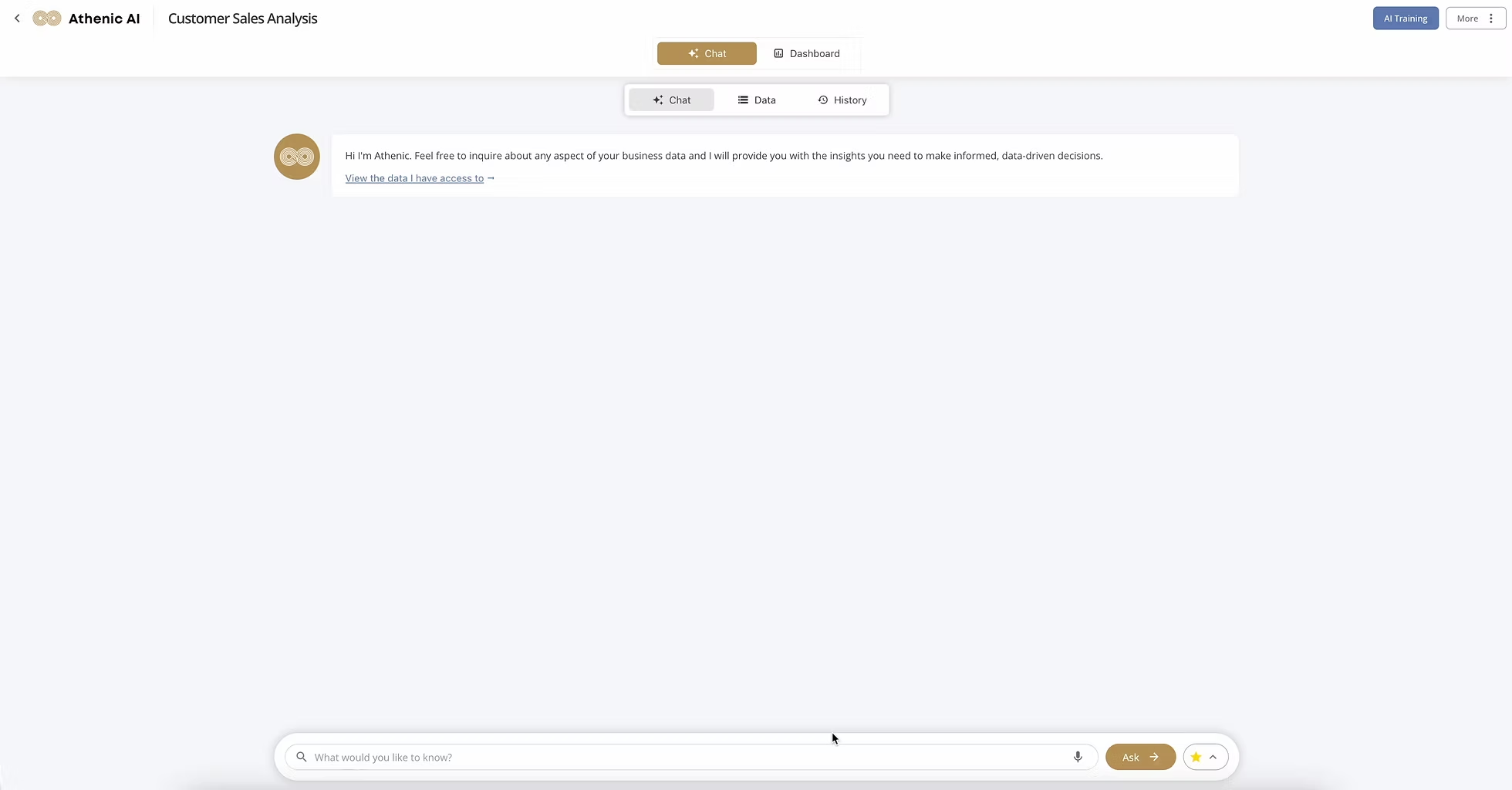
I led the end-to-end design of Data XRay, an AI-enabled analytics product that allows non-technical business teams to upload data and ask questions in natural language to generate actionable insights. The work focused on reducing activation friction, improving comprehension of AI capabilities, and increasing engagement through a more intuitive, conversational experience.
Background
Business teams increasingly rely on data to drive growth, but analytics tools remain complex—requiring technical setup, SQL knowledge, and precise querying. As a result, many users struggled to activate and retain value from Athenic AI despite strong underlying capabilities.
Business Problems
- Low product activation and retention due to complex analytics workflows
- Difficulty communicating product value to non-technical users
- Missed opportunity to expand into e-commerce and sales teams unfamiliar with data tools
User Problems
- Users didn't know how to ask effective questions
- AI responses felt disconnected from visible product value
- Features were fragmented across dashboards and search flows
- Users rarely asked follow-up questions or reused insights
Constraints
- User data varied widely in structure and quality
- Setup needed to remain lightweight while still enabling insight generation
- Designs had to be feasible to implement quickly in a startup environment
Design Thinking
My goal was to simplify the analytics experience while clearly communicating product value. Rather than adding more features, I focused on instructional design, discoverability, and conversational interaction.
Define & Discover
Research — The Pain Points
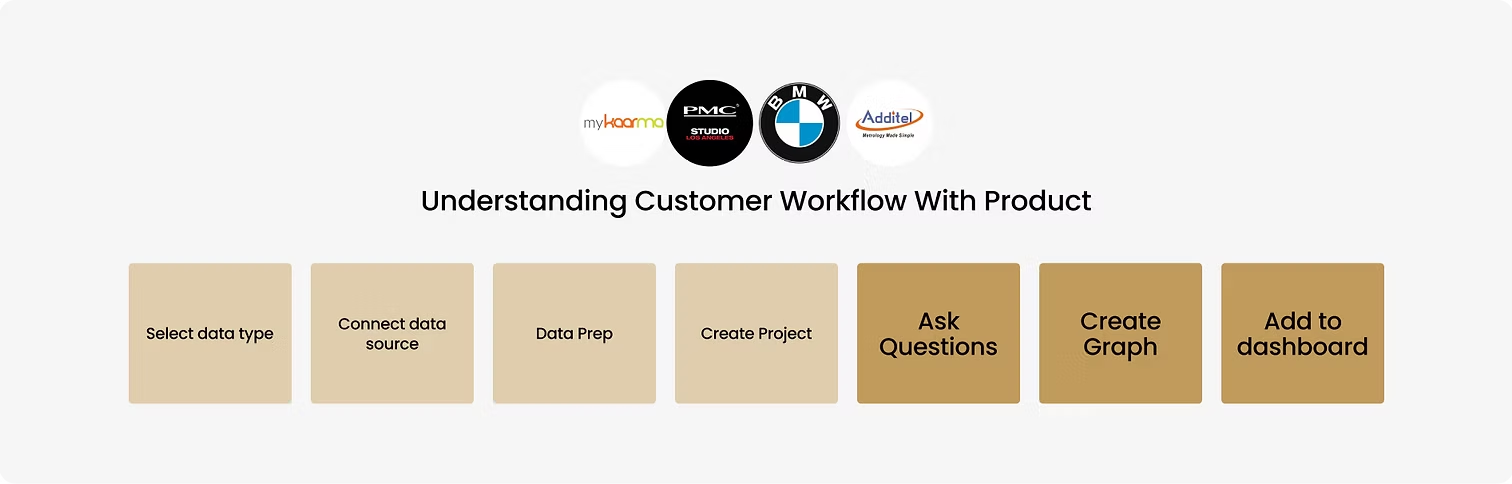
I started by understanding user tasks involved in adding a graph to a dashboard. Using Highlight to record user interactions and reviewing qualitative customer feedback, I found the existing product flow to be overly complicated and fragmented.
Decision Making — Engineering & Design
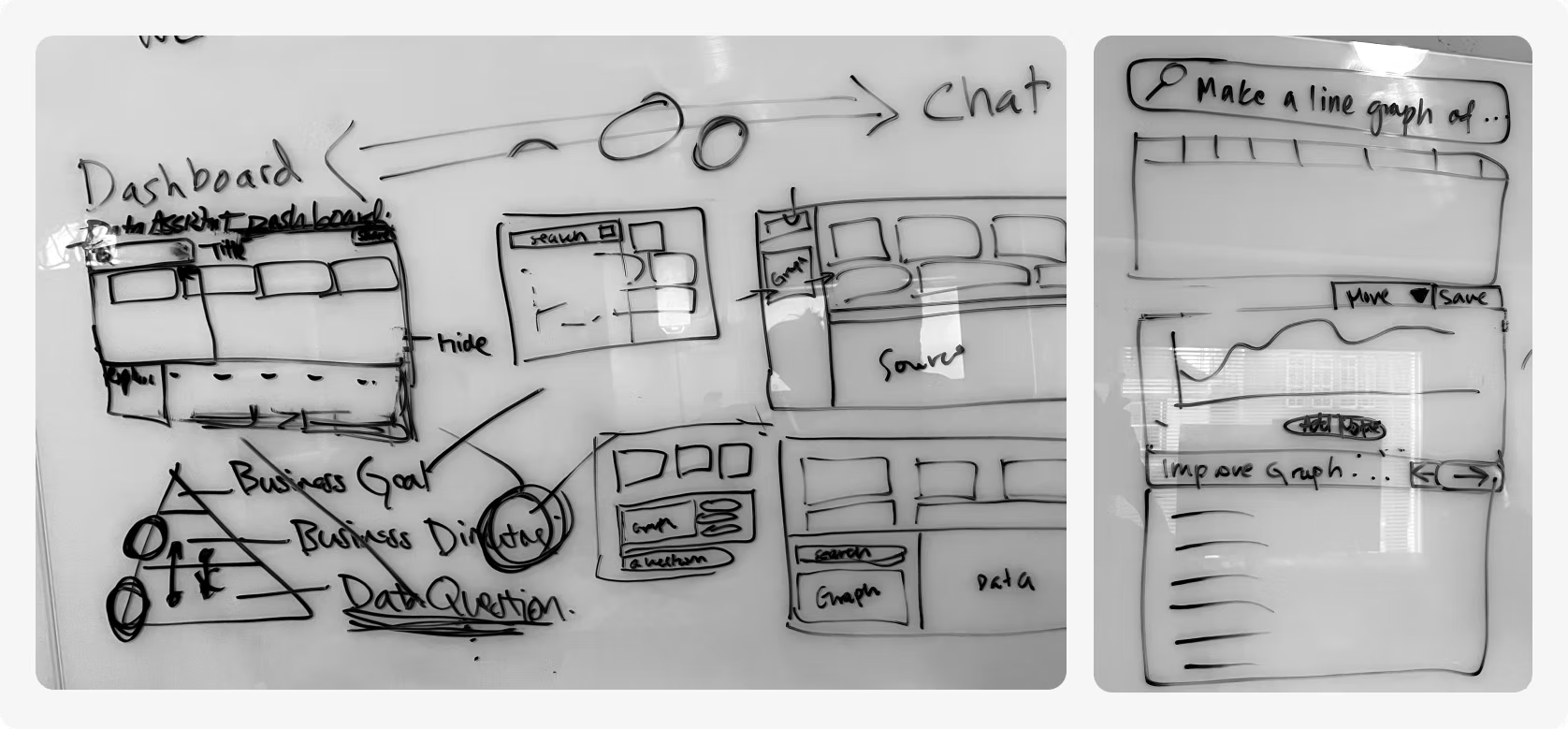
I led a whiteboard session with the engineering team to map essential capabilities, evaluate feasibility, and prioritize experiences that balanced user value with speed of implementation in a startup environment.
Defining Criteria
I conducted usability studies to define constraints that guided design decisions.
Defining Criteria
- Instructional design: Built-in guidance for data setup and question asking.
- Intuitive features: Reduce confusion and impatience.
- Engagement: Encourage follow-up questions and reuse of insights.
Concept Exploration
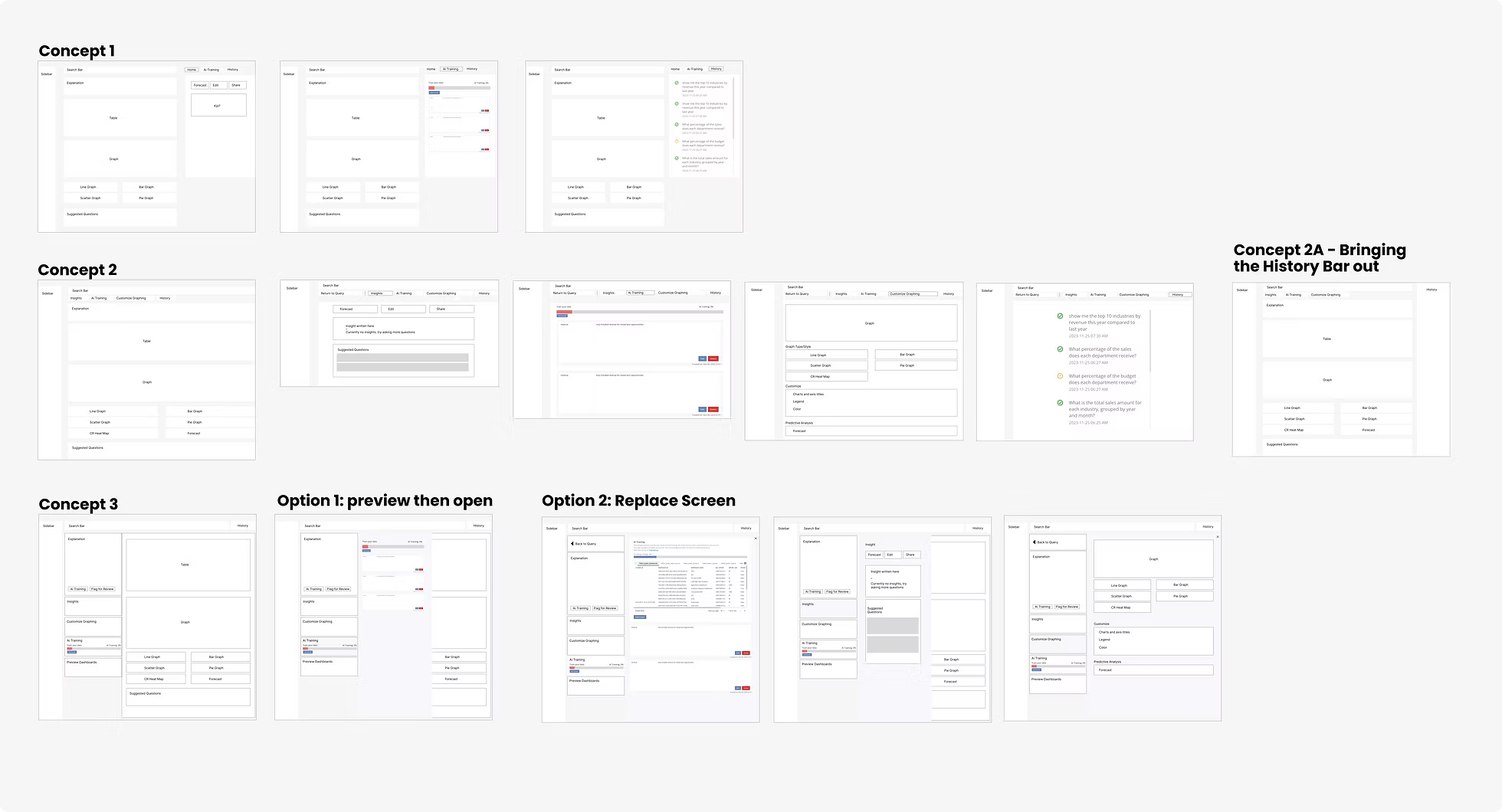
I took the essential UI components and began exploring end-to-end experiences through concept generation. The primary challenge was using white space effectively—especially along the side panels—while ensuring the product adapted gracefully across multiple screen sizes.
Interaction Design & Iteration
Iteration. Iteration. Iteration.
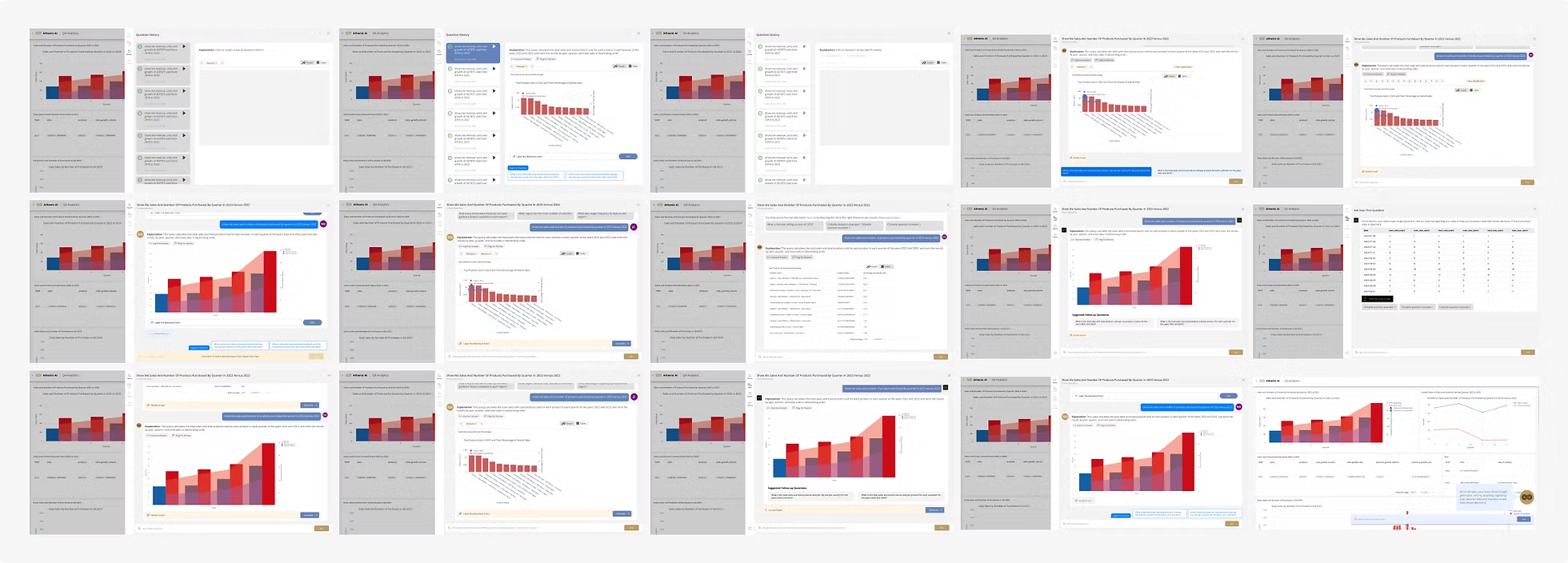
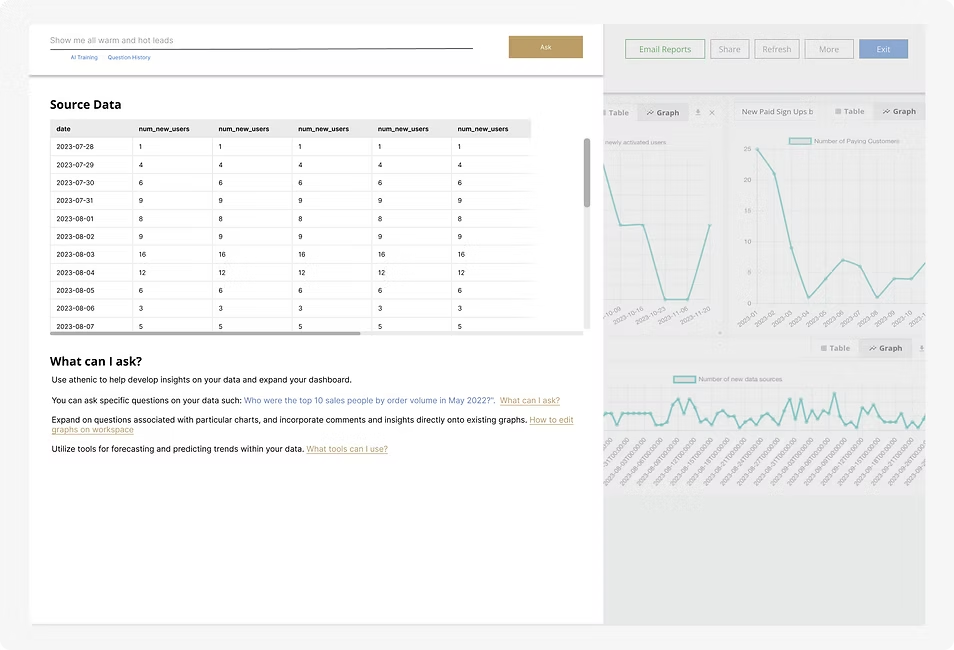
Over 12 rounds of user testing, I continuously redesigned the experience to reduce friction, improve clarity, and drive sustained engagement. Each iteration focused on simplifying how users asked questions, explored results, and transitioned between insights.
Key Insight
Users didn't need more analytical power—they needed clarity, guidance, and continuity.
Guiding principle: Make insights feel discoverable, conversational, and reusable.
Final Design, Impact & Takeaways
Final Design — Data XRay
- Unified workbook combining chat, charts, and saved insights
- Transparent AI feedback showing how data is processed
- Reusable insights instead of one-off answers
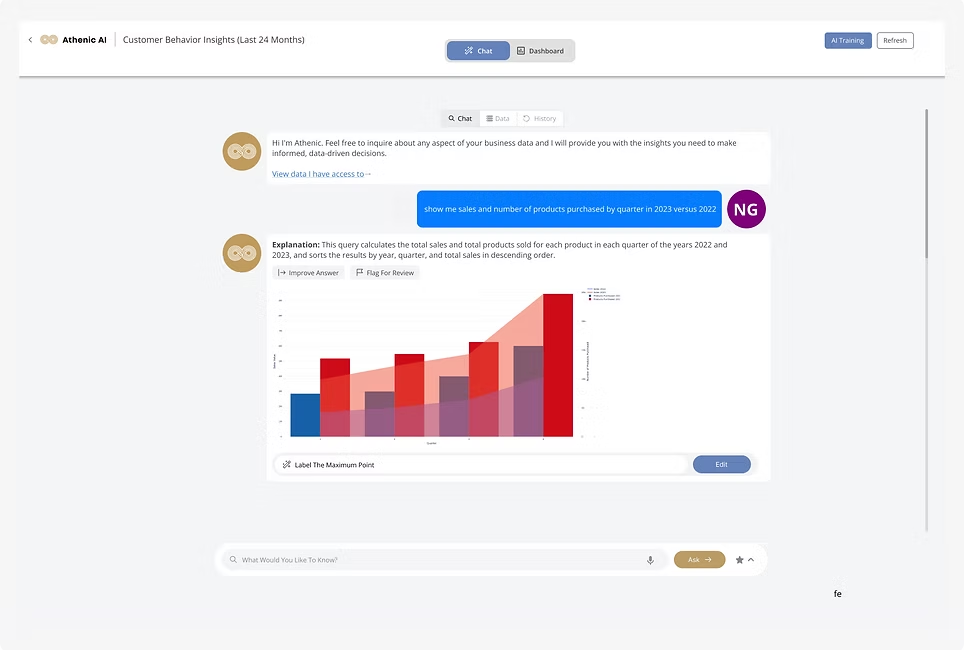
Dashboard & Chat Integrated Experience
Merging chat and dashboard features to create a more immersive product workbook experience, allowing users to ask questions and generate insights without context switching.
Question Asking Experience — Design for Wait Time
Transparency through animation shows what's happening on the backend. The system pulls tables first, then graphs, explaining where data is sourced from to build trust while users wait.
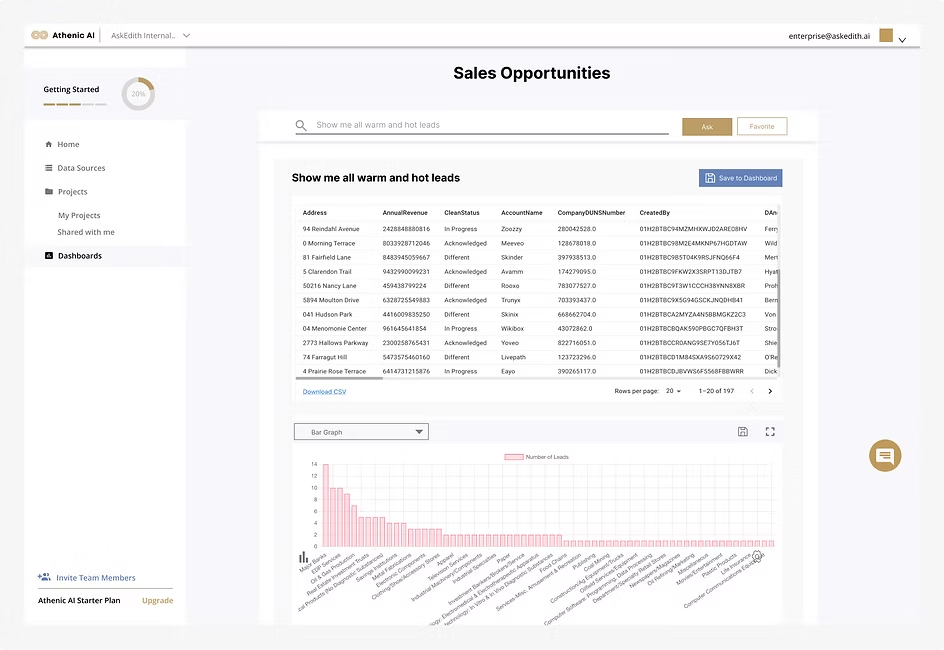
Adding Graphs to Dashboard
Powerful graph visualizations can be personalized through configuration and then easily saved to dashboards as reusable insights.
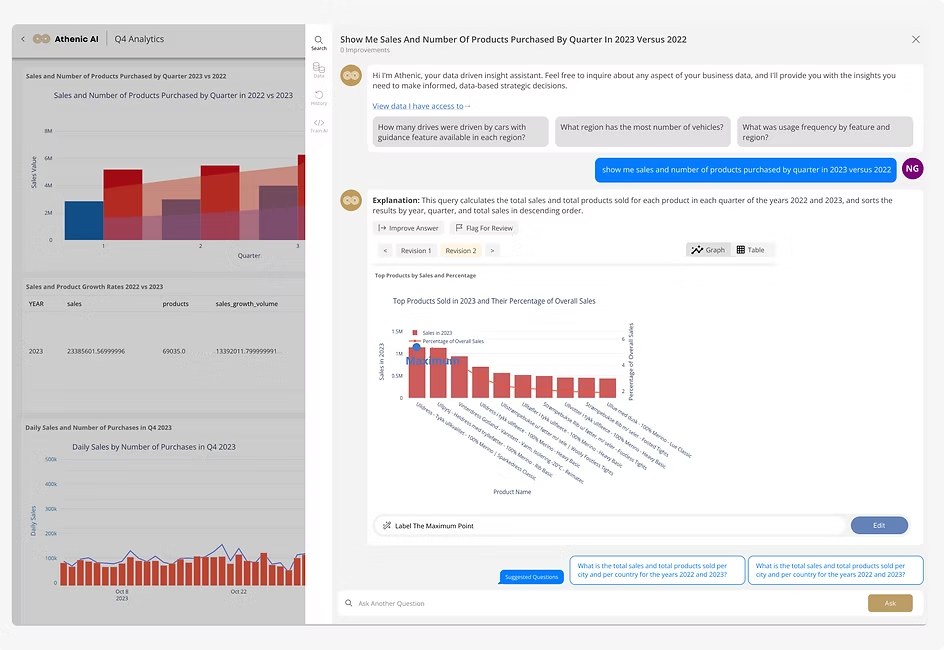
Question History
Users can access previously asked questions within the current query and across past sessions, supporting continuity and deeper exploration.
Impact
Reflection
Powerful AI is only valuable when users understand and trust it. By reframing analytics as a conversational, insight-driven experience, Data XRay helped non-technical teams engage with data confidently.